User guide
The four steps of a project, the documents, the on-site tools and sync.
Read the guideSupport
Most answers are in the guide, which is also available in the app. For anything else, call us, message us on WhatsApp or send an e-mail.
The four steps of a project, the documents, the on-site tools and sync.
Read the guideDrawing a wall of an exact length, creating a sub-board, finding a deleted project…
See the questionsA problem, a question or an idea: by phone, on WhatsApp or by e-mail.
By phone, in English or French. On WhatsApp, by text or by e-mail, in English, French or Dutch: we answer within 24 hours on average.
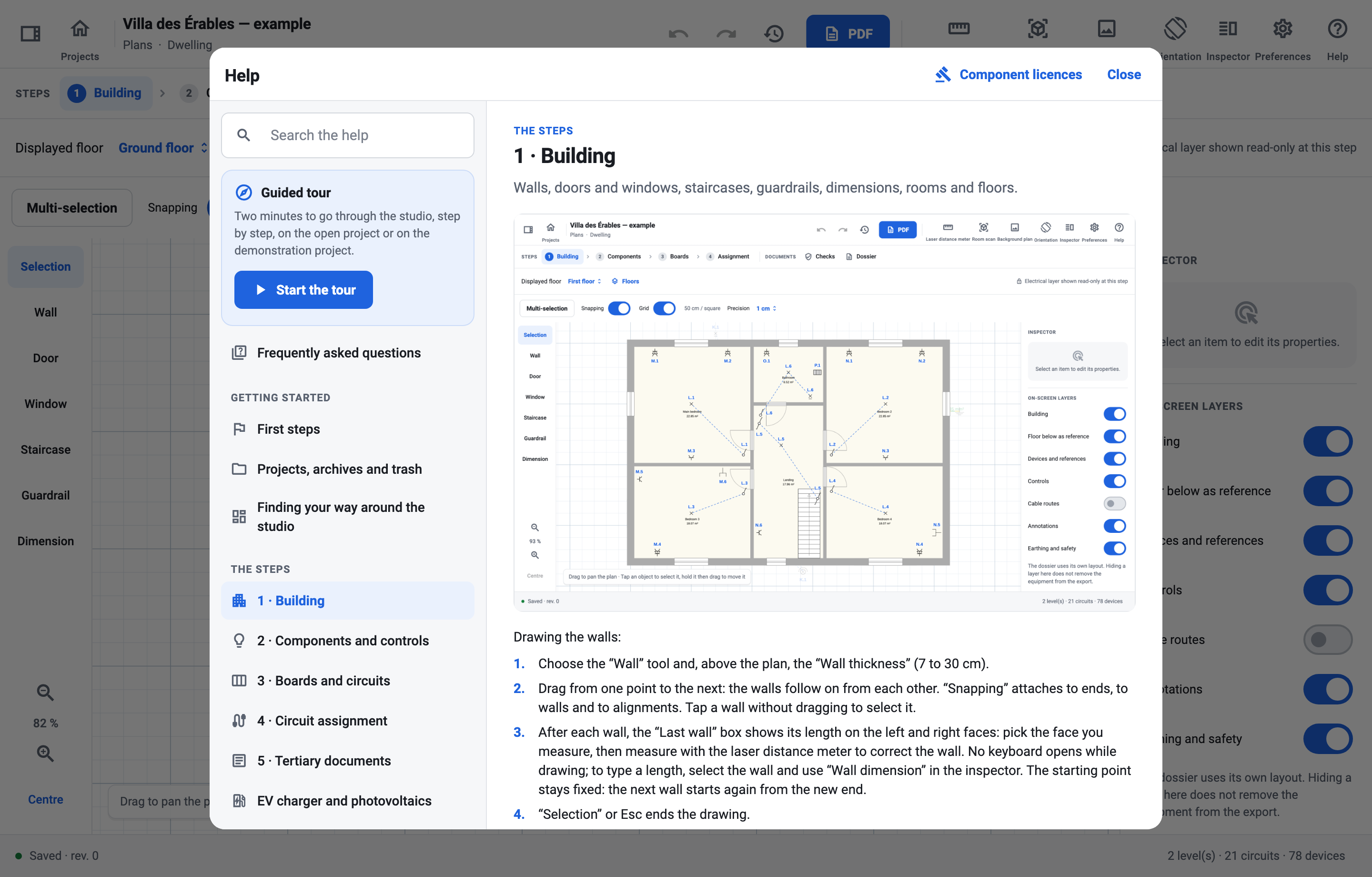
The Help button, on the home screen and in the studio header, opens the guide on the page for the screen you are on (F1 on a computer). You can search it for a word, browse the frequently asked questions or restart the guided tour, which shows the real controls one by one on the demonstration project.
So that we can reproduce it, please include in your e-mail:
.esschema archive (the “…” menu on the project card, “Export the archive”), if you are able to share it.